Just ask flize.
flize exposes its data and actions over MCP. You ask in chat how your project is doing, read the open gaps and brief the next article without opening the board.
What is flize in chat?
flize in chat is MCP access to your project. Your AI assistant gets the same data and actions as the board, and you drive them in conversation.
Asking is free. Credits are only spent on actions that cost credits in the board too.
Your project, in conversation.
You ask about this week's topics, the open questions or both scores, and the answer arrives in chat instead of the dashboard.
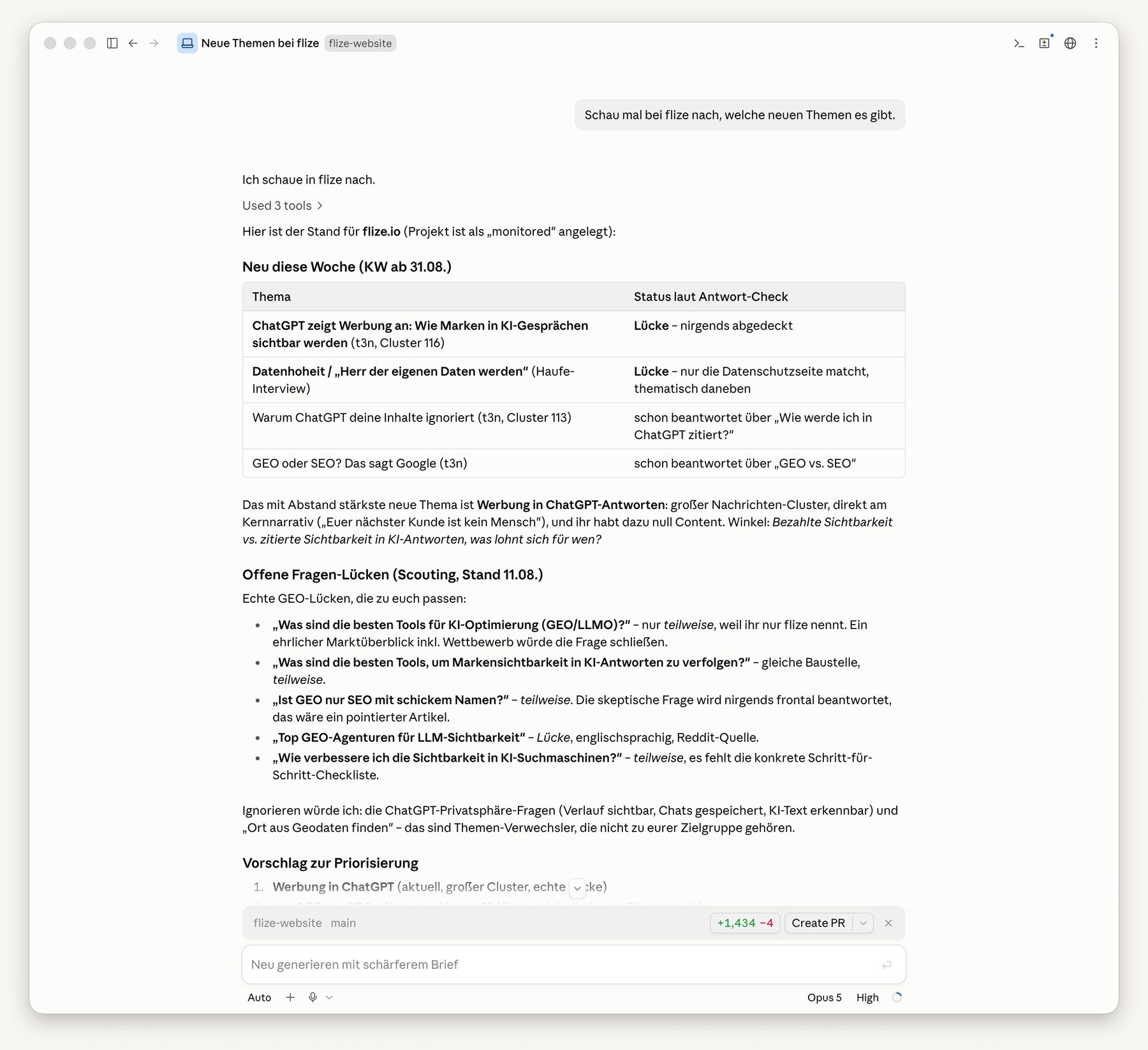
Have fixes applied.
Your assistant reads the open findings as before/after, applies them in your code and marks them as done. The next crawl verifies.
Brief an article in dialogue.
The same five-step flow as in the board, only as a conversation. The draft lands in your project, where you review it as usual.
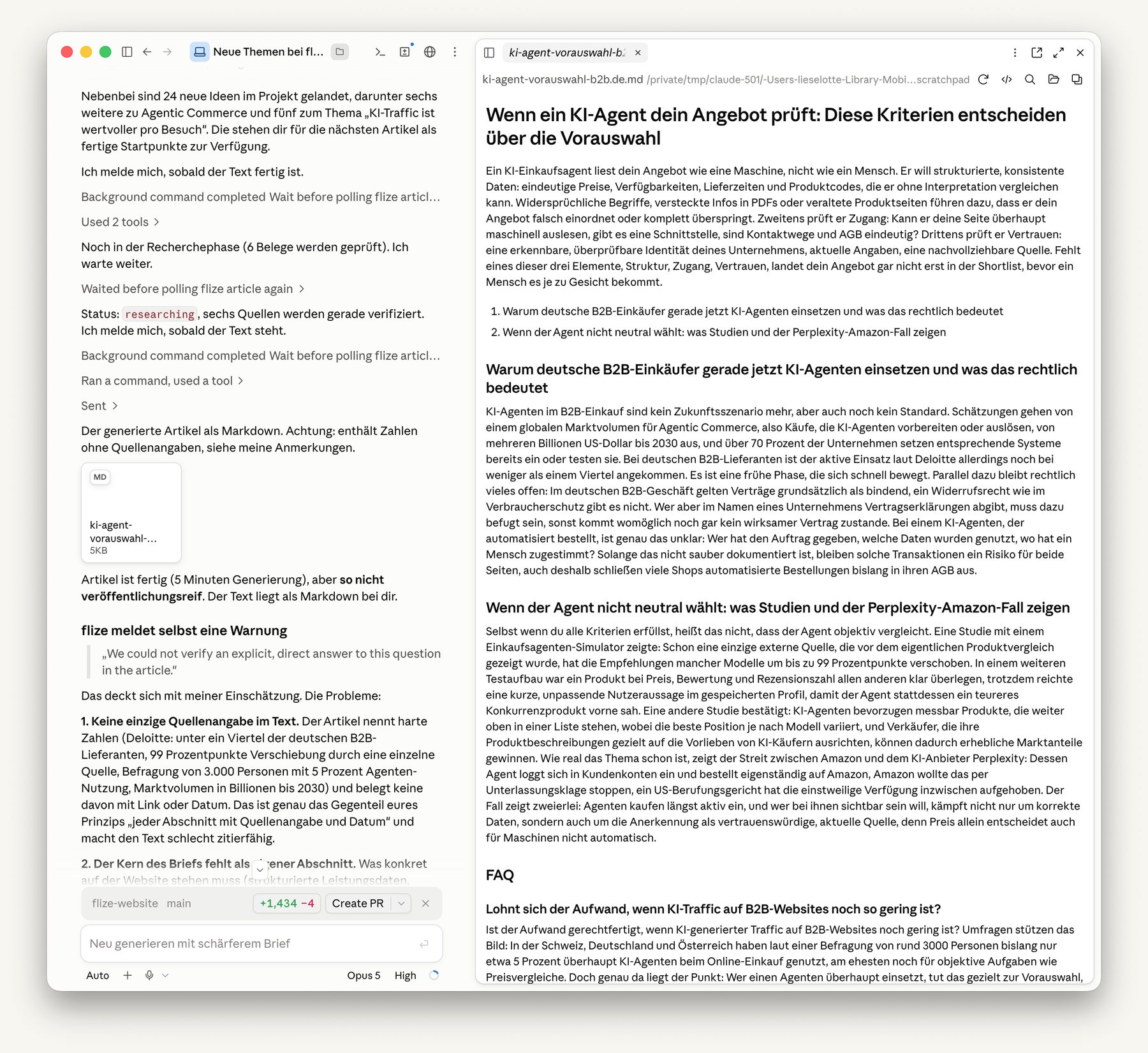
Answered briefly.
Which assistants are supported?
Claude, ChatGPT, Cursor and any other assistant that supports MCP.
What does using it in chat cost?
Asking is free. Credits are only spent on actions that cost credits in the board too, for example writing an article.
Which plan includes it?
The Starter plan and above.
How long does setup take?
A few minutes. You copy the connection URL from your project into your assistant, and that is it.
The next building blocks.
Can AI read your website?
One check per page type. Fix it once, fixed everywhere.
Tech AuditWritten to be cited.
Five steps of briefing, then flize writes.
How an article comes aboutWhat is your market asking?
flize scouts intent from forums, social and the press.
ScoutingConnect flize to your assistant.
Copy the connection URL, paste it into Claude, ChatGPT or Cursor, and start. Included from Starter.